
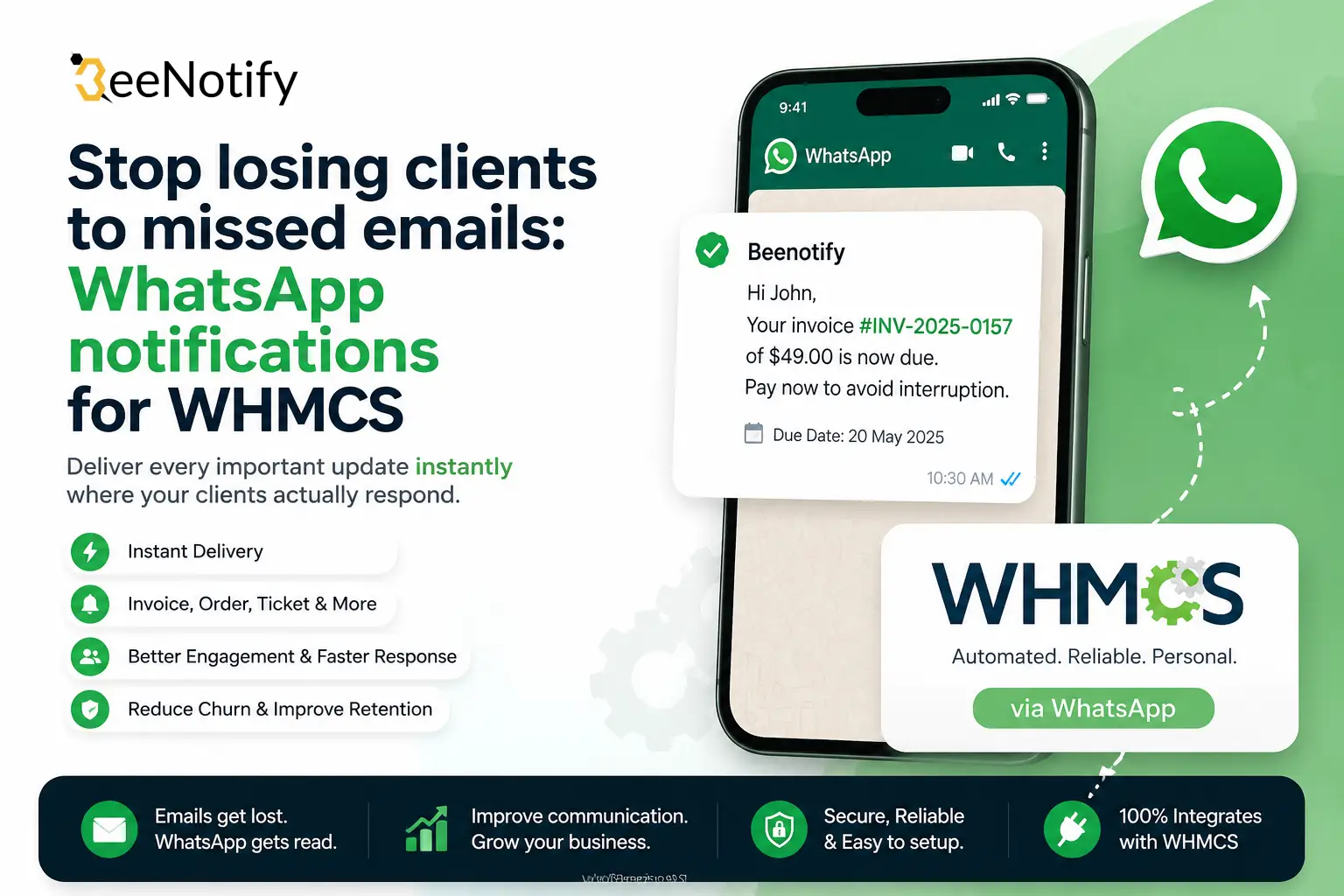
Stop losing clients to missed emails: WhatsApp notification Module for WHMCS
Here’s a number worth sitting with: email open rates for billing and support notifications hover around 20-30% on a good day. WhatsApp’s open rate sits at roughly 98%. Every invoice reminder, ticket update, or suspension warning you send by email alone is a coin flip on whether your client ever sees it — and a missed invoice email doesn’t just mean a late payment, it usually means a confused, frustrated client blaming you for a “surprise” suspension that wasn’t a surprise at all.
If you run a hosting business on WHMCS, this is a solvable problem, not a fact of life.
Why email alone isn’t enough anymore
Client inboxes are noisy. Promotional tabs, spam filters, and sheer volume mean a transactional email from your billing system competes with everything else landing in that inbox at the same time. WhatsApp doesn’t have that problem — it’s rarely more than a notification badge away from being read, and message threads stay visible until someone actually deals with them.
For a hosting provider, that difference shows up directly in:
- Late payments, because reminder emails get buried instead of read
- Support satisfaction, because “I never got the ticket update” is one of the most common complaints agents hear
- Churn, because clients who feel out of the loop on their own account start looking elsewhere
What the WhatsApp Notifications Module actually does
The WhatsApp Notifications Module for WHMCS connects your WHMCS install to the official WhatsApp Business API through the Beenotify service, so notifications your system already generates get delivered on a channel clients actually check.
Core capabilities:
- Automated billing reminders — new invoices, upcoming due dates, and overdue notices go out over WhatsApp the moment WHMCS generates them, without any manual sending.
- Support ticket updates — clients get notified the instant a new ticket is opened or a staff member replies, instead of finding out next time they happen to check email.
- Customizable message templates — sync approved templates from your Meta Business account and match the wording to your brand’s voice, rather than relying on generic default text.
- Live connection status dashboard — check your WhatsApp Business API health, remaining Beenotify credits, and full message logs right inside the WHMCS admin area, without switching tools.
- Official WhatsApp Business API — built on official channels rather than unofficial workarounds, so deliverability and account compliance aren’t a gamble.
Because it’s built specifically for WHMCS, it installs directly into your existing setup and works with the cron jobs and client database you already have — there’s no separate system to maintain alongside it.
Where this pays off fastest
If you’re deciding whether this is worth adding to your stack, the clearest signal is looking at where communication is already breaking down:
- Clients who pay late not because they can’t, but because they didn’t see the invoice
- A support queue where “did you get my reply?” is a recurring message
- Suspension notices that trigger angry tickets instead of quiet renewals
Each of those is a direct symptom of relying on a channel your clients don’t reliably check. Moving billing and support alerts to WhatsApp doesn’t fix a bad product or bad support — but it does make sure the communication you’re already sending actually lands.
Getting started
Setup takes minutes on top of an existing WHMCS install: connect your Beenotify account, sync your approved WhatsApp templates from Meta Business, and the module starts routing invoice, payment, and ticket notifications automatically from there.
Get the WhatsApp Notifications Module for WHMCS →
Currently available at a discounted launch price — check the product page for current pricing.